
Your chosen photos, on your home screen
Keep one favorite picture in view or enjoy a slideshow from a folder inside PicDeck. Choose your photos, add a photo widget, and see them on your Android home screen.
View on Google PlayFor Android 9 and later.
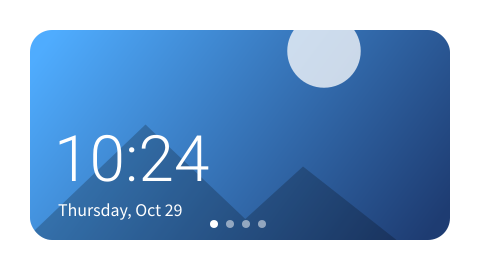


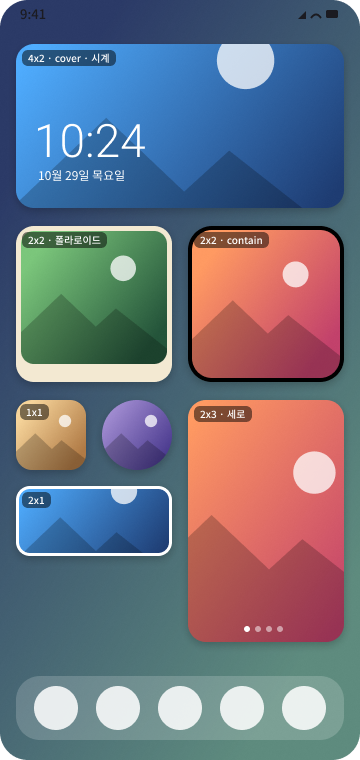
See the photos you chose
Keep a single picture on your home screen, in a size that fits your layout.
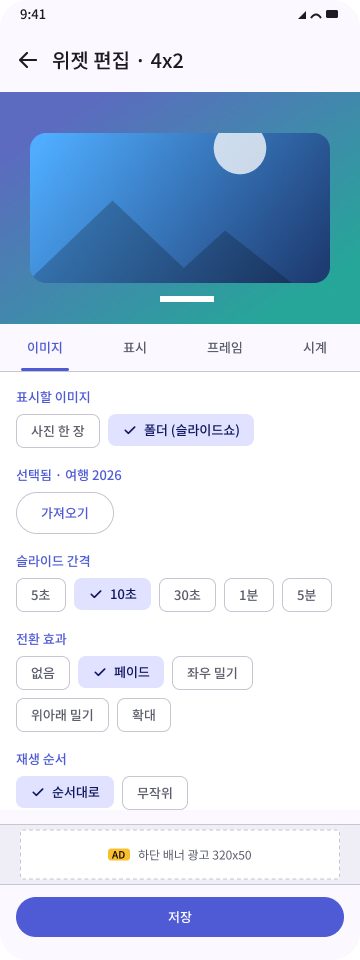
Let your photos change
Choose a folder from your PicDeck library and set how its photos change.
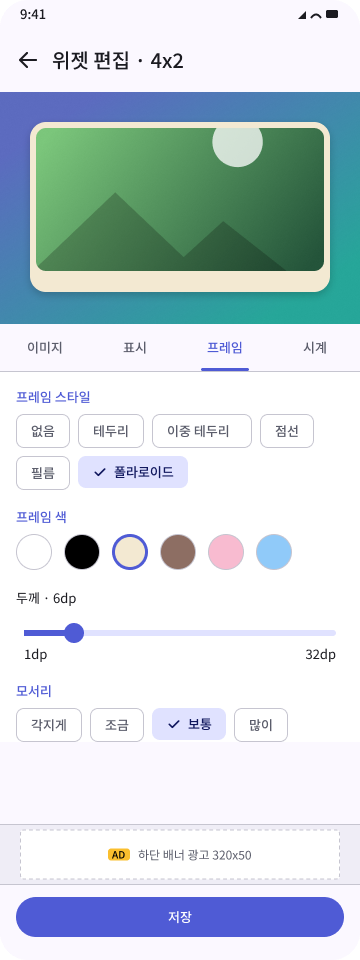
Make the photo widget yours
Adjust photo fit and a frame. Add time and date over the photo if you want them.
From your photos to your home screen
Create a folder in PicDeck, import chosen photos, then add a PicDeck widget from your home screen's widget picker. Choose a photo or PicDeck folder in the editor and tap Save.
One photo or a folder slideshow
Display one photo or play a PicDeck folder in order or shuffle. Choose intervals from 5 seconds to 5 minutes and fade, slide or zoom transitions.
Custom frames and photo fit
Choose border, double border, dashed, film or polaroid frames. Adjust colors, thickness and corners. Select one of five fit modes and drag to set the crop.
Independent clocks and date
Show digital time, date and an analog clock independently. Drag each object, change its size and color, and choose a 12- or 24-hour clock.
Clocks need a widget at least 250 × 110dp. Widget size depends on your launcher. Lock screen widgets depend on your device and Android version.
A photo library on your device
Your selected photos and widget settings are stored on your device. PicDeck has no photo account or cloud sync.
The app includes Google AdMob ads and uses Google Analytics for Firebase for usage statistics. Our English privacy policy explains advertising and analytics data, local storage and deletion.
Read the privacy policy